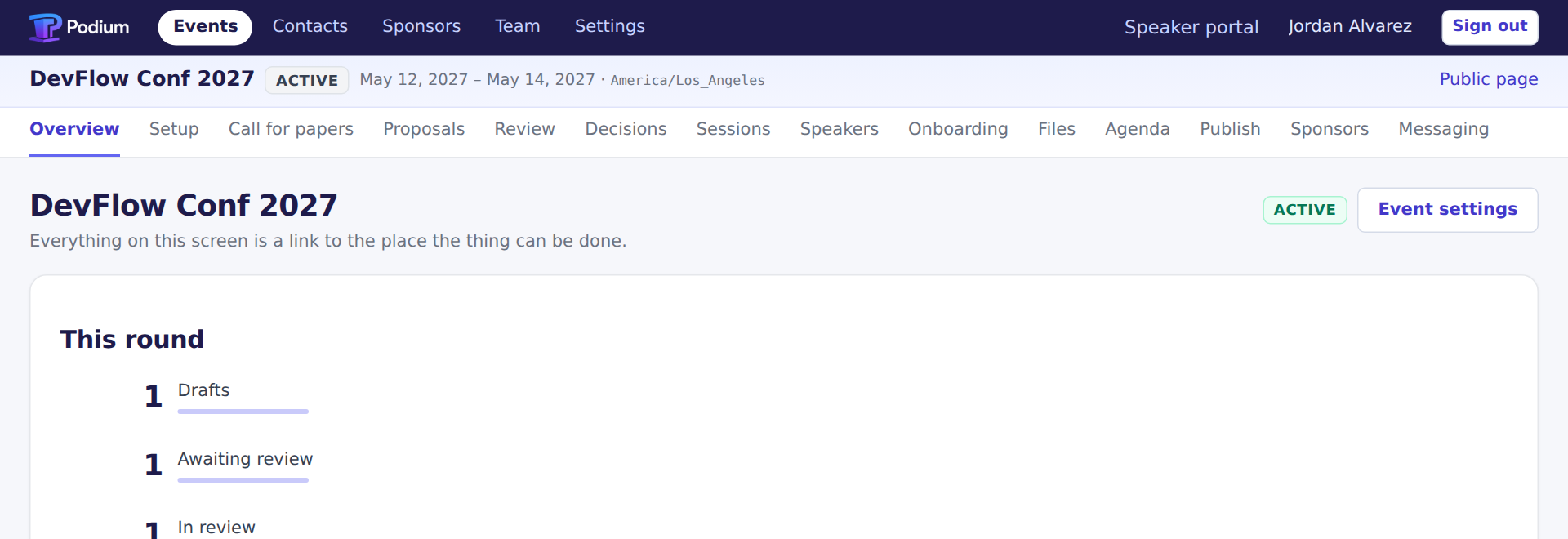
Sign in to a conference that is halfway through its year.
DevFlow Conf 2027 is running at app.podiumstack.com with the sign-ins printed on this page. Proposals in every state, a review round with real scores, sponsors part-way through their entitlements, an agenda with conflicts. No form, no card, no trial clock.
Sign in and start clicking.
The conference running at app.podiumstack.com is the one the seed in this repository builds, which is the one the screenshots on this site were taken from.
Pick a role from the table below. Nothing is read-only: you are signing in as a real organizer of a real event, and everything you change stays changed.
Or run the whole thing on your laptop.
Same seed, same conference, nobody else in it. This is also the version to use if the hosted one is busy or someone has already rearranged the agenda.
git clone https://github.com/sameersegal/Podium
cd Podium
npm install
npm run dev
Then open http://localhost:8787/login with the same sign-ins. No Cloudflare account is involved: the database, the queues and the object store all run on your machine.
Three roles. Same conference, three different products.
What each person may see is worked out per request. Signing in as the speaker is the only honest way to find out what a speaker sees.
| Role | Password | What you land in | |
|---|---|---|---|
| Organizer / program chair | organizer@devflowconf.example | PodiumDemo2027! | Every event, the proposal board, the agenda, sponsors and the publish queue. |
| Reviewer | reviewer@devflowconf.example | PodiumDemo2027! | A queue of assigned proposals, a rubric, and the ones a conflict blocks. |
| Speaker | speaker@devflowconf.example | PodiumDemo2027! | One accepted talk, its room and time, and what is still outstanding. |
These work on app.podiumstack.com and on your own copy, and they are public on purpose. Which means the hosted one is shared: everybody reading this page has the organizer's password, nothing resets it on a schedule, and whatever state you find it in is what the last visitor left. If you want a conference that is only yours, that is the four-minute route above.
Five things worth trying, in the order they prove something.
Every one is a claim made elsewhere on this site. Go and check them.
Open the agenda and break it
Drag a session onto a room that is already busy. The conflict appears beside the grid as you drop it, and the publish button stays shut until it is resolved or acknowledged with a reason.
Try to review your own proposal
As the reviewer, find a proposal you are credited on. There is no score box to fill in.
Spend a sponsor's second session slot
On the sponsors screen, watch the used-against-bought count move. Then try to spend one more than the package holds.
Publish the schedule, then roll it back
Publishing writes an immutable snapshot; rolling back points at the previous one. Neither touches the live programme tables.
Look at the outbox
Every message sent or attempted, with its template, recipient and status — the rendered body is stored before the provider is ever called, so you can rehearse an announcement to four hundred speakers and read exactly what each of them would get.

Give it a key and watch mail actually leave.
The seed installs Resend already, active and set as the default — what it does not ship is a key, because credentials never live in a seed. So locally every acceptance and reminder is rendered, stored and then fails at the provider, which you can read in the outbox. Put your own RESEND_API_KEY in .dev.vars and the same messages go out for real. It costs nothing and it is the only honest way to try the integrations.